Release 1.0.6.0
Explore new features
CONSOLIDATE FUNCTIONALITY
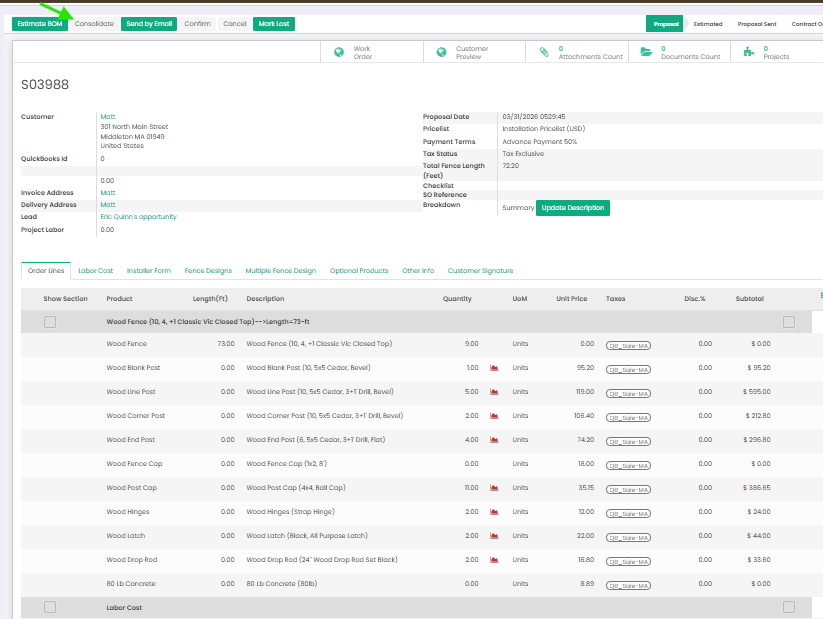
We’re excited to introduce the new Consolidate Functionality in proposals, designed to improve how multiple fence projects are presented. When a proposal includes more than one fence, this feature automatically groups identical products into a single line item and combines their quantities. This results in a cleaner, more professional proposal that is easier for customers to read and understand, while also saving time and reducing the risk of manual errors.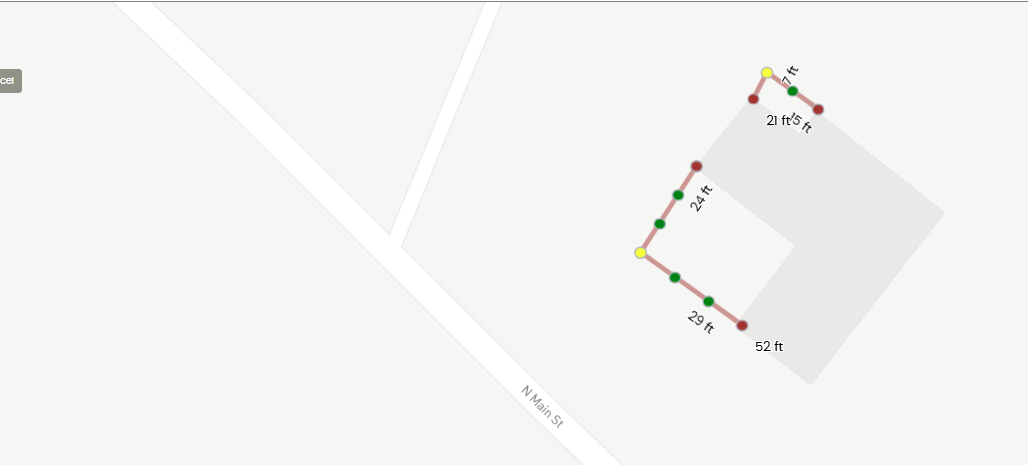
-
PROJECT DESCRIPTION MADE VISIBLE IN CALENDAR VIEW
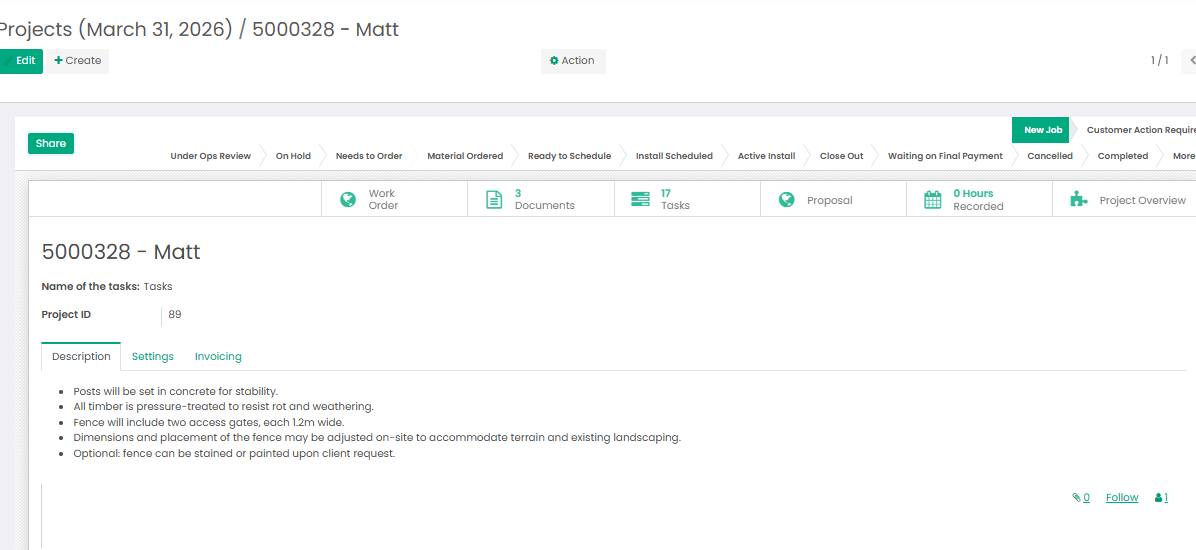
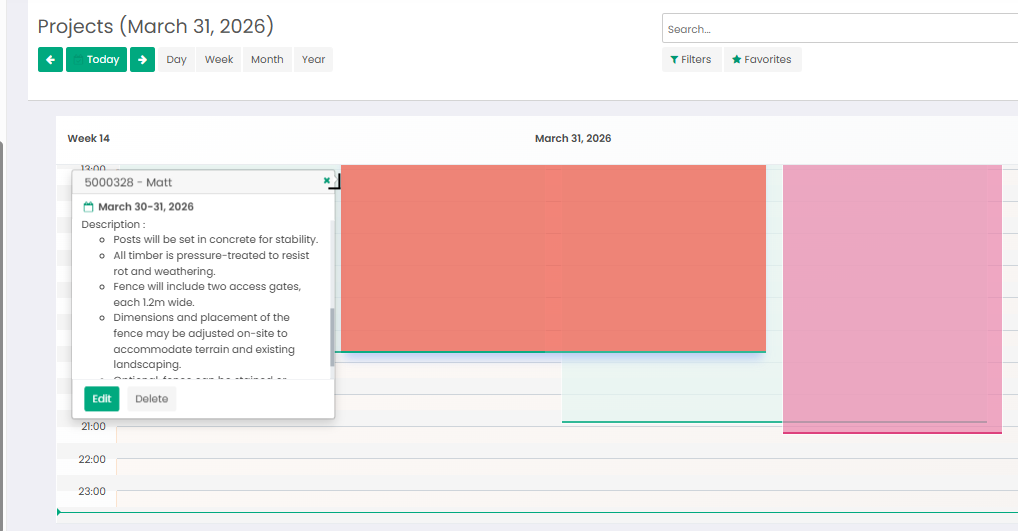
We’re excited to introduce a new enhancement to the Projects Calendar View in Elite Technique. Now, when a description is added to a project, it will be displayed directly in the calendar. This makes it easy for teams to see key project details at a glance without opening each record, keeping everyone informed and ensuring nothing important is missed.
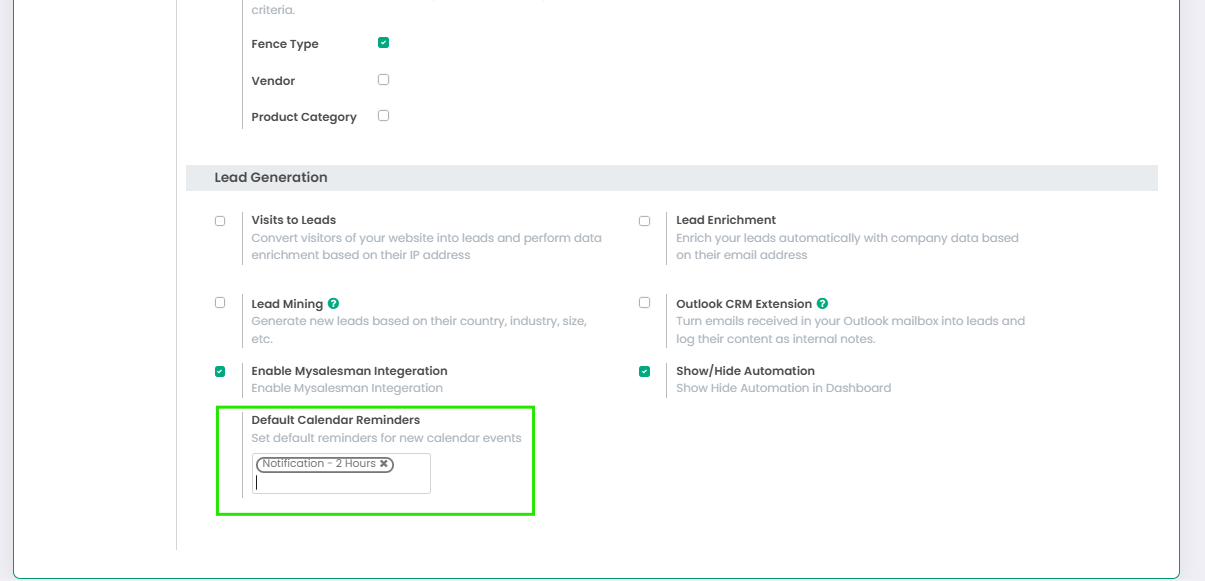
CONFIGURATION SETTING TO SELECT THE DEFAULT MEETING REMINDER
You can now set a default meeting reminder in Elite Technique Software, so you don’t have to choose a reminder every time you schedule a meeting. Just pick a preferred reminder time like 10 minutes, 1 hour, or a day before and it will automatically apply to all new meetings. It keeps things consistent, saves time, and helps make sure nothing gets missed, while still allowing you to change the reminder on individual meetings if needed.
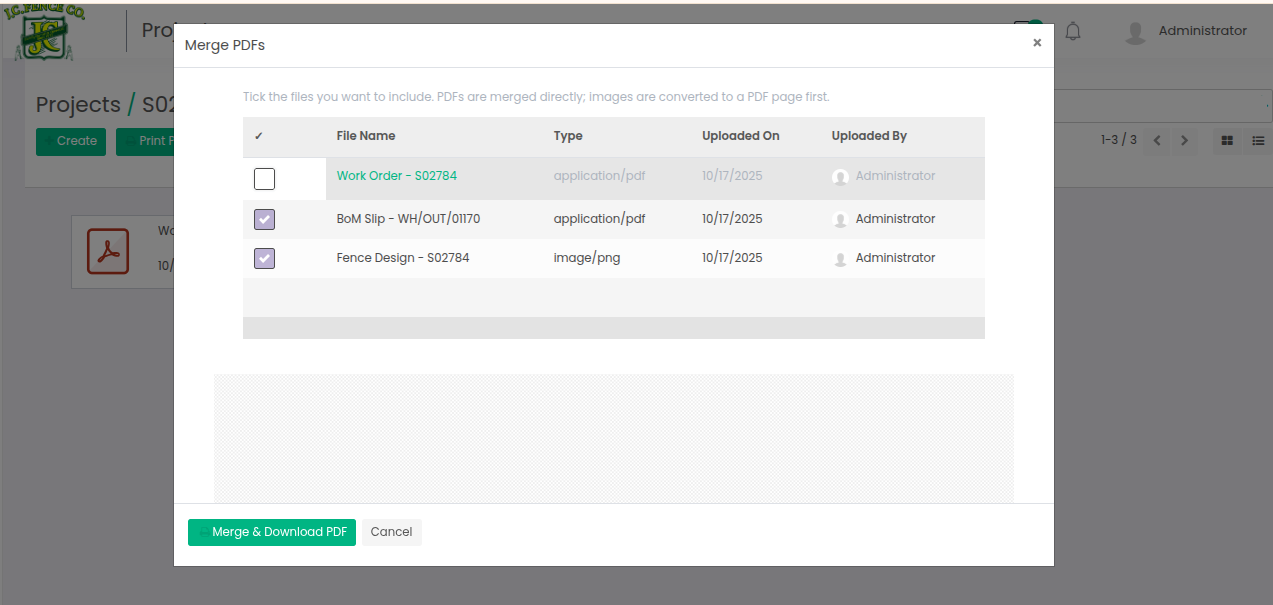
MERGE SELECTED PROJECT DOCUMENTS
This feature lets users combine multiple documents from the Project Document Bin into a single consolidated document. Whether it’s work orders, BOM slips, or fence designs, selected files can be merged quickly without having to download and manage them separately. It makes sharing complete project information easier, keeps documentation organized, and allows all related documents to be handled in one place.
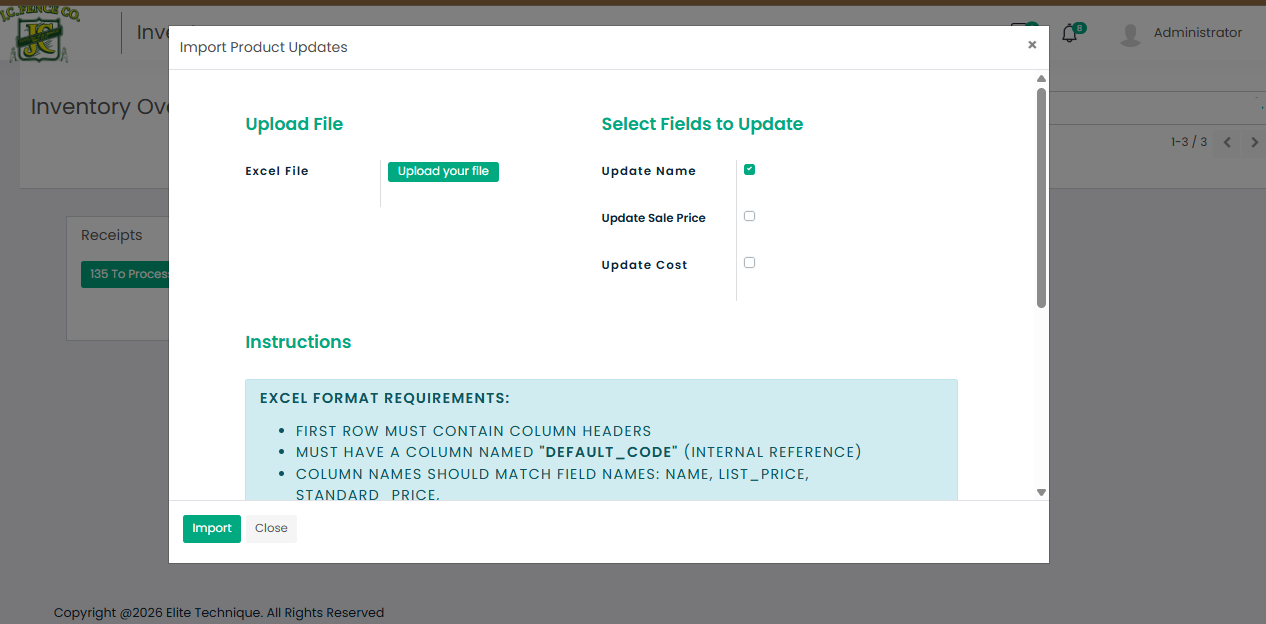
UPDATE COST PRICE USING VENDOR PRICELIST
This feature allows you to import and update cost prices directly from a vendor sheet by matching the internal reference with the corresponding product in the system. It ensures accurate cost updates, eliminates manual entry, and keeps your product costing aligned with your vendor’s latest data.
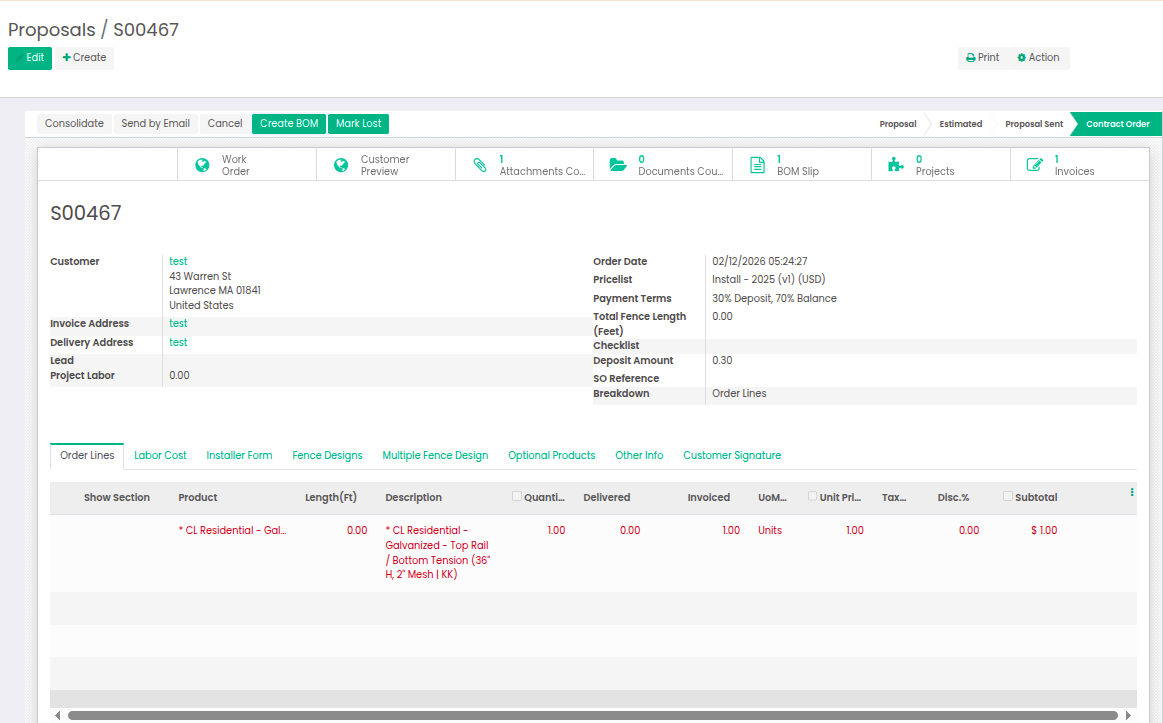
AUTOMATIC INVOICE CREATION FROM PROPOSAL PAYMENTS
This new feature allows an invoice to be automatically created whenever a payment is made directly from a proposal. Once the payment is processed, the system generates the corresponding invoice without any additional steps, ensuring accurate records and saving time by removing the need to manually create invoices after each payment.
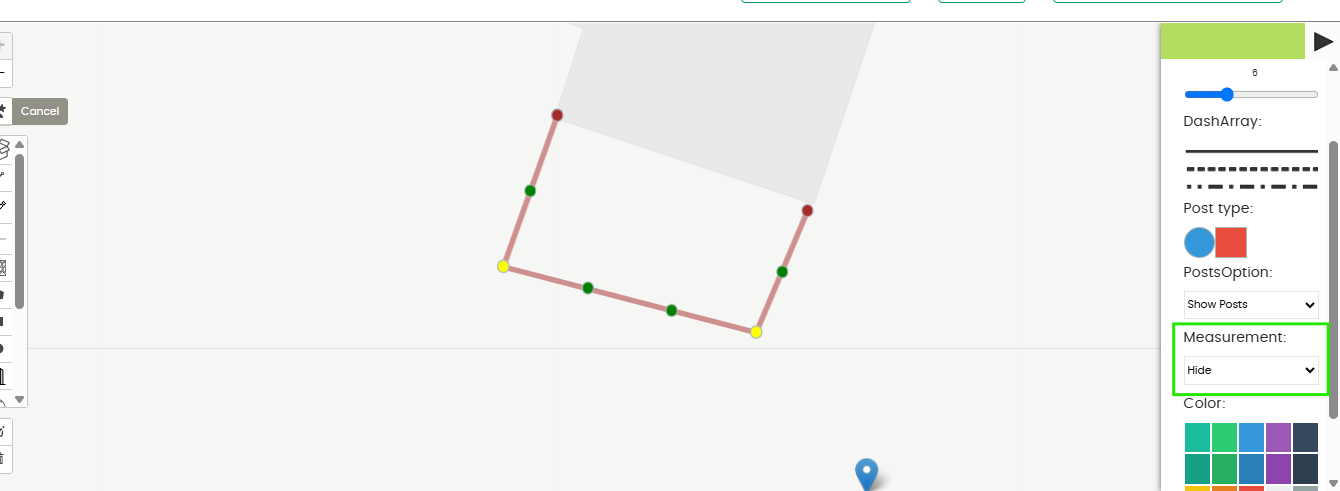
SHOW AND HIDE FENCE DIMENSIONS
This new feature in the drawing tool allows users to easily show or hide fence dimensions on their designs. It provides greater flexibility when reviewing or presenting drawings, helping to focus on specific details without clutter and making designs clearer and easier to interpret.
Start writing here...